Back to home
Manage - Website Design for a Task Management Software
Manage is a task and project management platform designed for teams and individuals to plan, track and collaborate on work efficiently. I designed the website to clearly communicate the product’s value, highlight its core features and encourage users to sign up and request access.
Industry
SaaS, Productivity, Project Management
Role
Ui and Web Designer
Timeline
One Month

The Problem
Many productivity tools and SaaS product websites struggle to clearly communicate their value at first glance. Potential users often find it difficult to quickly understand how the product works, who it’s for, and why they should choose it over alternatives.
The Goal
The goal was to design a visually engaging and straightforward website that clearly explains what Manage does, highlights its key features, and makes it easy for users to get started.
Key Sections (Breakdown)
Hero & Value Proposition
The hero section introduces Manage as a modern project management tool designed for teams and individuals. It clearly communicates the core value of the platform while directing users toward the primary call to action to request beta access.

Features & Product Capabilities
This section shows how Manage helps users integrate their existing tools, prioritize and organize tasks effectively, collaborate with teammates, and manage projects seamlessly across desktop and mobile devices.
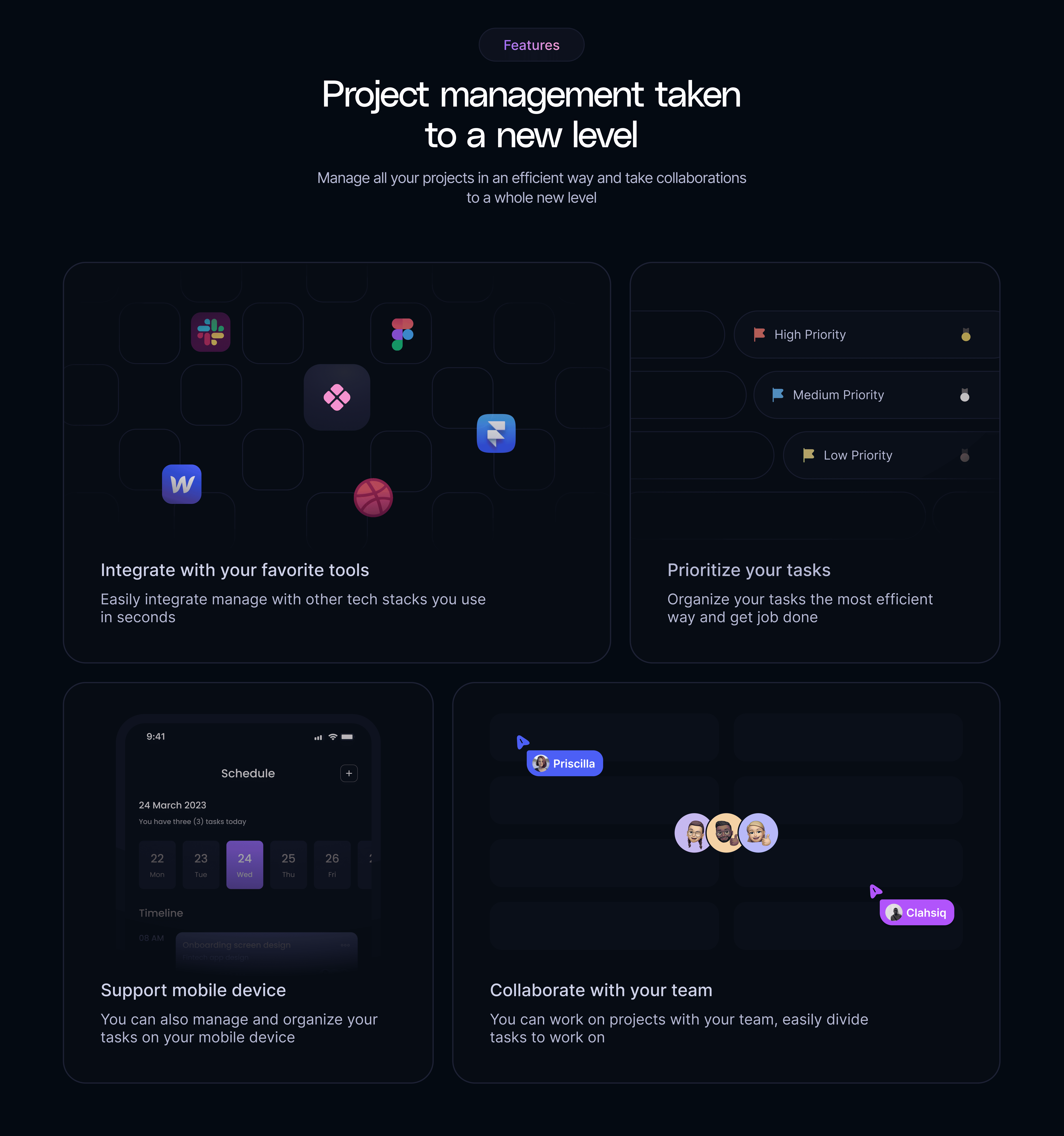
Integrations
Highlights the ability to seamlessly integrate Manage with popular tools in seconds, helping users streamline workflows and reduce friction across their existing tool stack.
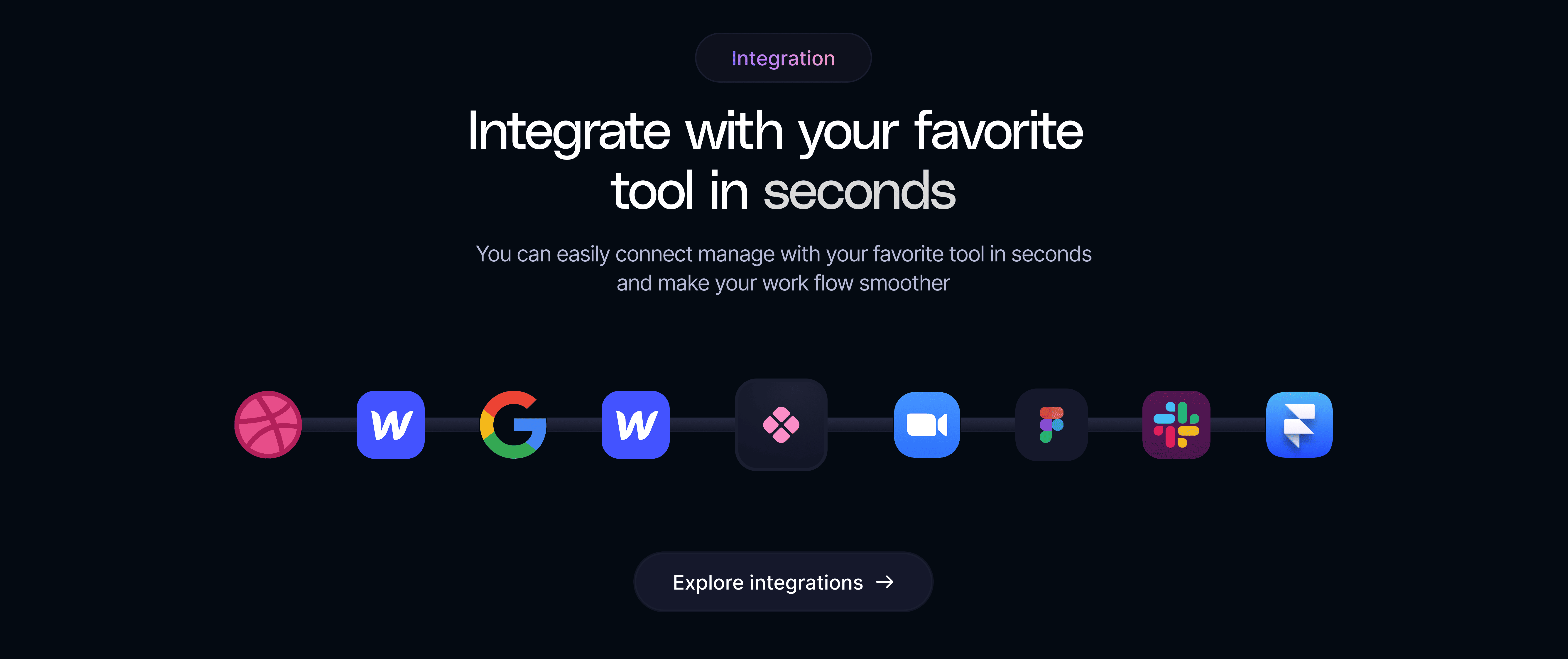
Progress Tracking
Focuses on documenting and visualizing project progress by structuring tasks and milestones in a clear, easy-to-follow format.
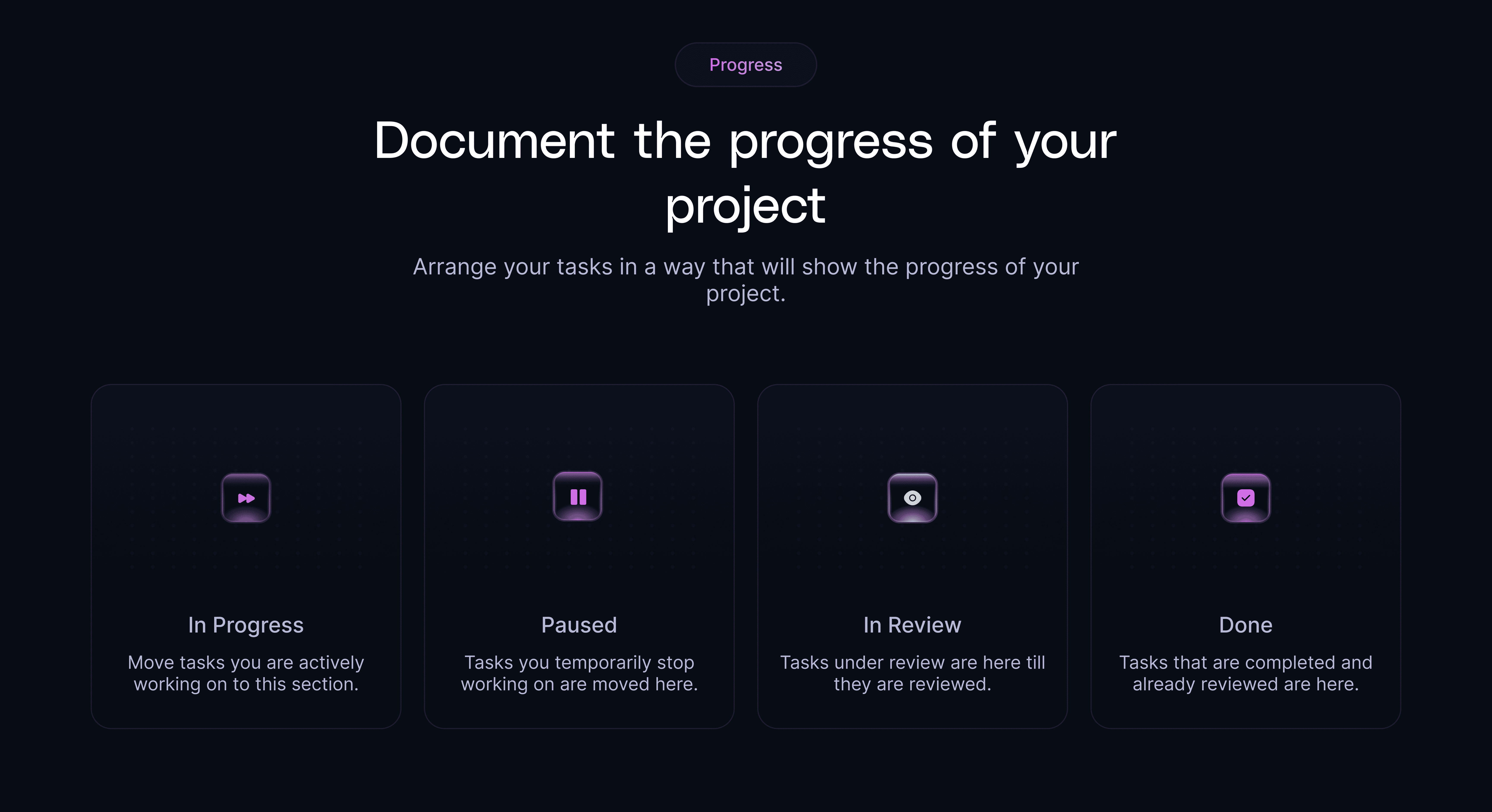
Team Collaboration
Demonstrates how Manage supports smooth collaboration by allowing teams to work together, share updates, and stay aligned within a single workspace.
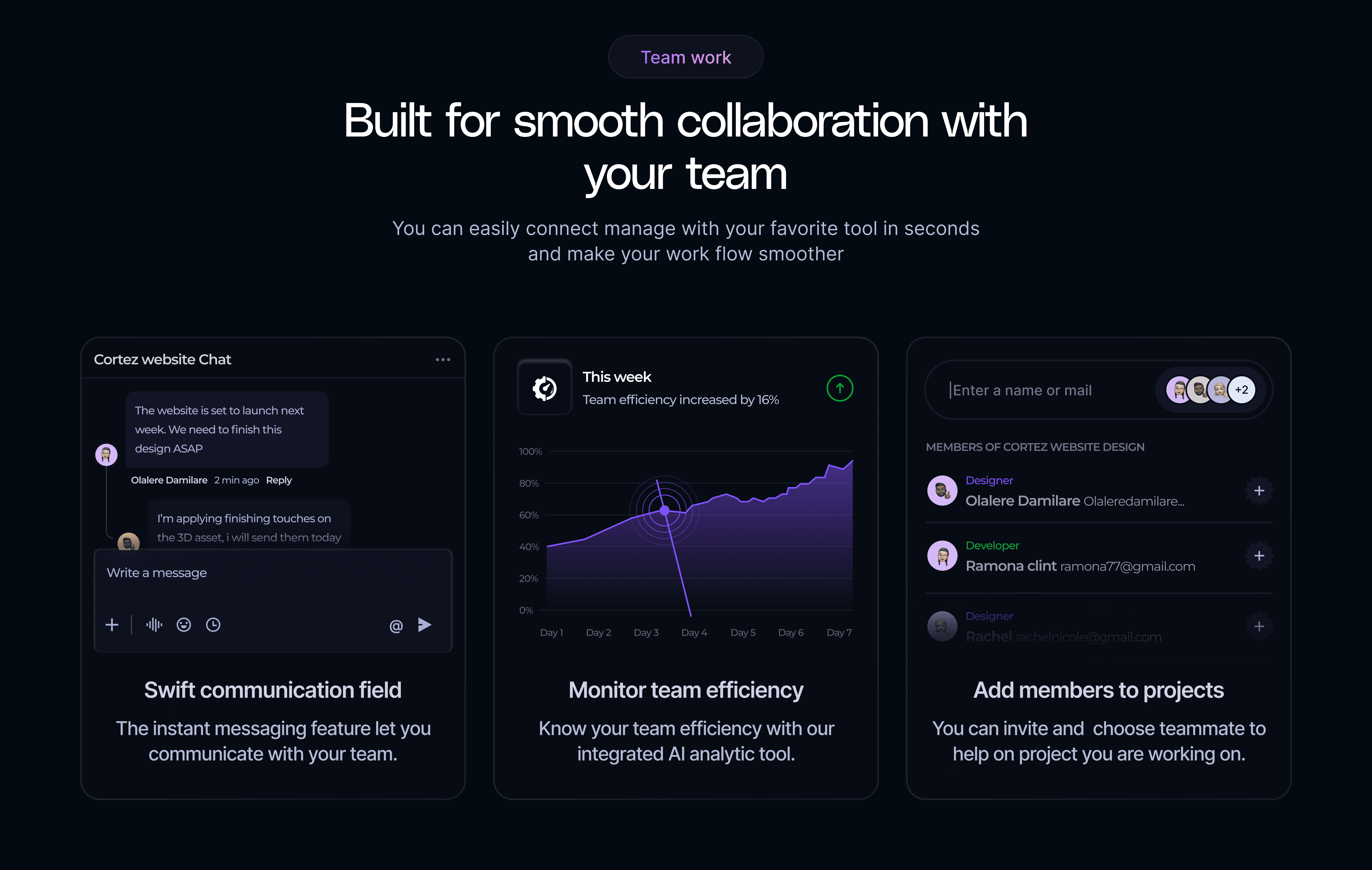
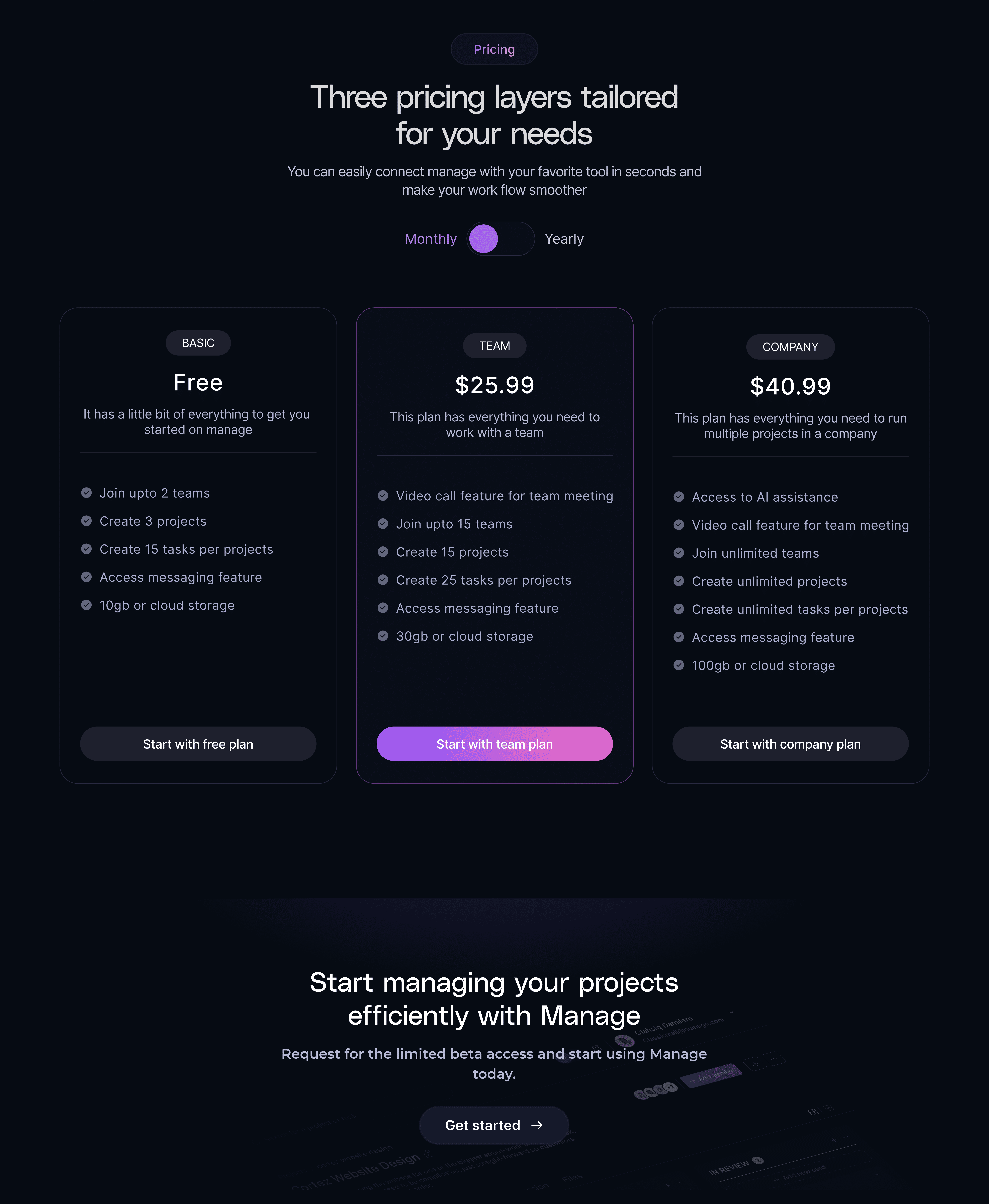
Pricing & Call to Action
Presents three flexible pricing tiers with monthly and yearly options, making it easy for users to choose a plan that fits their needs. The section concludes with a strong call to action encouraging users to request limited beta access and start using Manage.
Final Design
The final website presents a clear flow—from value and features to collaboration and pricing—making it easy for users to understand the product and take action.
Back to home
Manage - Website Design for a Task Management Software
Manage is a task and project management platform designed for teams and individuals to plan, track and collaborate on work efficiently. I designed the website to clearly communicate the product’s value, highlight its core features and encourage users to sign up and request access.
Industry
SaaS, Productivity, Project Management
Role
Ui and Web Designer
Timeline
One Month
The Problem
Many productivity tools and SaaS product websites struggle to clearly communicate their value at first glance. Potential users often find it difficult to quickly understand how the product works, who it’s for, and why they should choose it over alternatives.
The Goal
The goal was to design a visually engaging and straightforward website that clearly explains what Manage does, highlights its key features, and makes it easy for users to get started.
Key Sections (Breakdown)
Hero & Value Proposition
The hero section introduces Manage as a modern project management tool designed for teams and individuals. It clearly communicates the core value of the platform while directing users toward the primary call to action to request beta access.
Features & Product Capabilities
This section shows how Manage helps users integrate their existing tools, prioritize and organize tasks effectively, collaborate with teammates, and manage projects seamlessly across desktop and mobile devices.
Integrations
Highlights the ability to seamlessly integrate Manage with popular tools in seconds, helping users streamline workflows and reduce friction across their existing tool stack.
Progress Tracking
Focuses on documenting and visualizing project progress by structuring tasks and milestones in a clear, easy-to-follow format.
Team Collaboration
Demonstrates how Manage supports smooth collaboration by allowing teams to work together, share updates, and stay aligned within a single workspace.
Pricing & Call to Action
The hero section introduces Manage as a modern project management tool designed for teams and individuals. It clearly communicates the core value of the platform while directing users toward the primary call to action to request beta access.
Final Design
The final website presents a clear flow—from value and features to collaboration and pricing—making it easy for users to understand the product and take action.